Unlock any EE iPhone – Certified, Safe & Permanent

You’re a Click Away from Carrier Freedom!
Stuck with an iPhone locked to the EE network that can’t be used with other carriers? Well, you’ve come to the right place because SIMNotSupported’s IMEI-based unlock lets you safely enable all network bands, giving your device the flexibility to work with any SIM worldwide. Click on the button right below and follow the steps for our automated system to free your EE iPhone!
✓ No Long Waits
✓ No Complicated Steps
✓ Guaranteed Results
If your phone is locked to the EE network, rest assured, you’re not alone, and in fact, millions of users in the UK deal with devices restricted to just one provider all the time. The good news is, there are different solutions to this problem, and all you need to do is choose the unlock method that best suits your case! In this guide, we’ll show you how to check if your phone is locked, how to submit an unlock request, how to unlock EE by IMEI in case EE refuses, and why SIMNotSupported is your best ally in these kinds of cases!
How to tell if my Device is locked to the EE Network
Finding out if your mobile device is locked to EE is super easy! Just insert a SIM card from another network —like Vodafone, O2, or Three— and restart your device to see if it works or gives you an error. If it says “SIM Not Supported” or prompts for a Network Unlock Code, then that means your phone has a network restriction that doesn’t allow it to use the radio frequency of other providers and, therefore, is locked.
On the other hand, if you want to really make sure this is the case and your phone is not simply having technical issues, then you can always look up its status using the EE IMEI check page. All you need to do is enter the phone’s 15-digit IMEI number, click on the reCAPTCHA verification, click on the “Verify IMEI Number” button, and the results will pop up on your screen.
EE Device Unlock Request: Quick Unlocking Guide
Unlocking your phone from the EE network is actually very easy, and everything is done 100% online via their Device Unlock platform, so it’s not like you need to call them or something like that. All you need to do is enter your IMEI number into the page, click on the “Verify IMEI Number” button, and wait a moment while the page determines whether your handset is locked to the EE network or not.
If it is, in fact, locked, just follow the system’s prompts to submit your unlock request and wait for EE to verify the phone’s eligibility. EE usually takes up to 7 days to complete the unlock, and you’ll receive confirmation by text or email when it’s done. If the request to unlock your mobile phone is approved and gets unlocked, it will start accepting SIM cards from any other UK or international provider without any limitations or conditions!
What do I do if EE doesn’t unlock my Device?
If EE declines your unlock request because your account isn’t in good standing, you bought the phone second-hand, or something like that, well, don’t worry, you still have options you can explore. For example, the safest and most reliable method is to use an IMEI-based unlock service like SIMNotSupported, which works even when EE says no because it’s an external tool not associated with the company.
SIMNotSupported’s service doesn’t require phone or account access, and it can bypass carrier restrictions by remotely opening the phone’s cellular bands so that it supports other networks. This method is permanent, remote, works on any iPhone, and doesn’t require a factory reset, so if EE won’t help, you’ve still got a way out for only $2 per unlocked device!
Permanently unlock your Phone from EE only with its IMEI Number!
Using your IMEI number to unlock your EE phone is the most secure and permanent method specialized for iOS devices, and it even relies on SSL encryption implemented as a data protection measure! This process doesn’t involve jailbreaking or software hacks, which means that your warranty stays intact, your data remains safe, and your device can be updated normally in the future. Also, you can have the peace of mind that our platform is highly compatible with any iPhone and offers a 99.9% success rate every time with guaranteed results!
Steps to Unlock your Device with SIMNotSupported
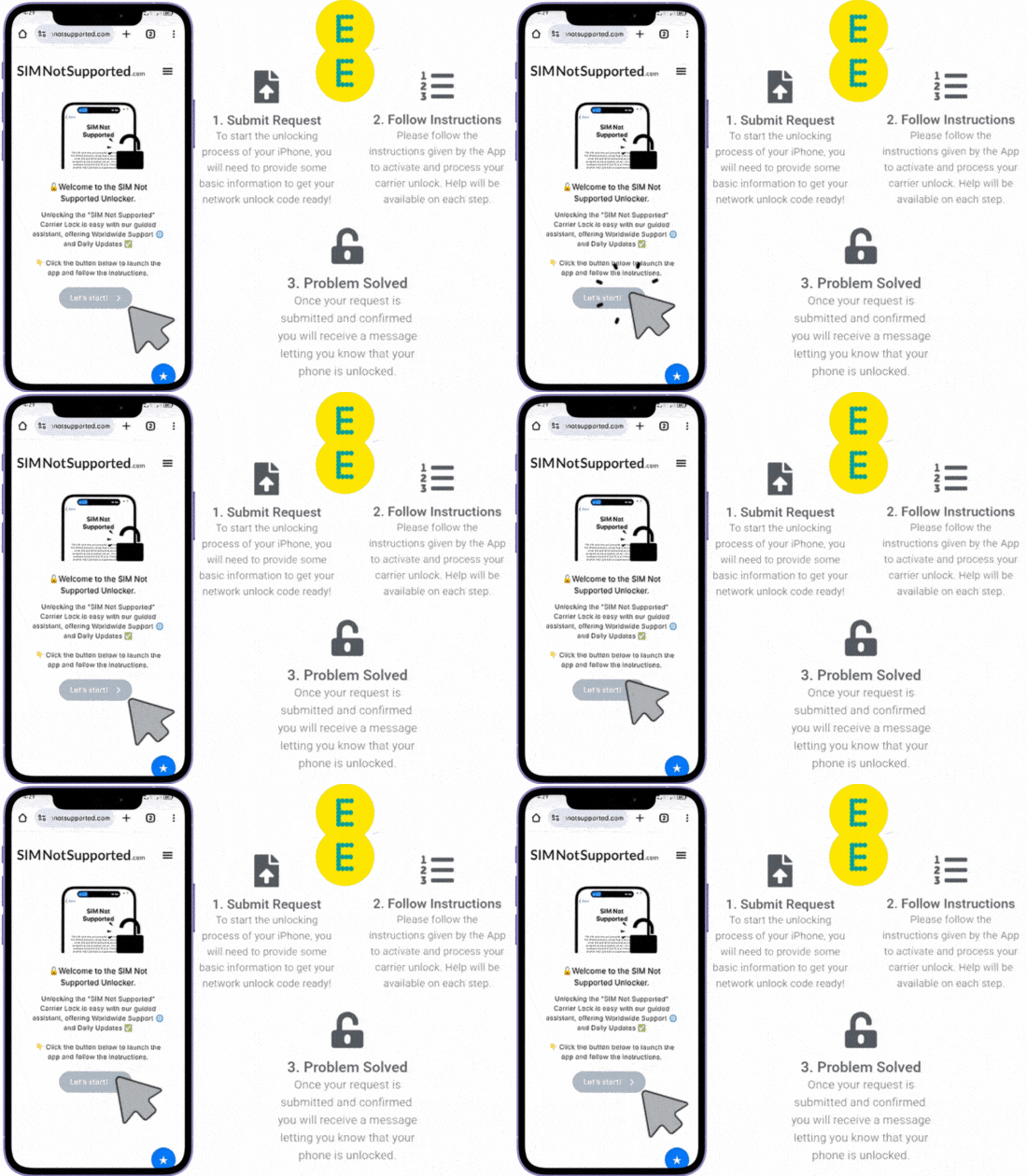
Unlocking EE devices to use with other networks with us is super simple and doesn’t involve any device unlock codes because everything is automated (one of the reasons we’re so well-known in the EE community). The process consists of three quick and easy steps: You submit the request, pay our $2 unlock fee, and wait for us to remotely take care of the lock. Let’s see together in more detail the three steps you need to follow to unlock an EE device with us:
Step 1
Step 2
Step 3
- Visit SIMNotSupported.com.
- Click on “Start Unlock” >> “Get Started!”.
- Enter your name, iPhone model, IMEI number, and email address.
- Submit your request.
- Activate your order via email.
- Follow the prompts to access our payment gateway.
- Provide us with a form of payment for the $2 fee.
- Wait until your payment is processed.
- Wait a couple of hours while our system processes the request.
- Reboot the iPhone once the unlock is done.
- Insert a SIM card from another provider to test the device.
- Enjoy a permanently unlocked iPhone.
Unlocking your EE Device to use with another Network: FAQ
Got questions about unlocking your EE device? Whether you’re trying to figure out what a SIM PIN is, wondering if your phone is already unlocked, or just want to know how long the process takes, we’ve answered it all below. Let’s break down the most common questions users have when unlocking from EE, and if you still have any doubts left, feel free to contact us!
If your EE phone asks for a PIN or PUK code, it usually means the SIM card has been locked due to too many incorrect attempts, which is different from a network unlock. You can retrieve your SIM PIN or PUK by logging into your EE account or contacting customer service. Now, if we’re talking about network unlocking, then no PIN is needed, just the IMEI and access to an unlocking service like SIMNotSupported.
Not always, but EE does lock most phones sold under contract or through pay monthly plans (just until you finish your contract term). If you’re unsure, you can try inserting a non-EE SIM card, so just a chip from a different network, or run an IMEI check online to verify the lock status.
Yes, checking your unlock status with your IMEI number is one of the most reliable methods to be really sure of whether your device is locked to a network or not. Many websites offer free SIM-lock check tools that tell you whether your device is locked or unlocked, as well as details about the original carrier (IMEI.org, for example).
The timeframe depends on the method you choose because, for example, if you go through EE directly, it can take anywhere from 3 to 7 days, and sometimes even longer if there are issues. On the other hand, unlocking through SIMNotSupported is usually much faster, with most iPhones unlocked in under an hour with just the device’s IMEI number.